
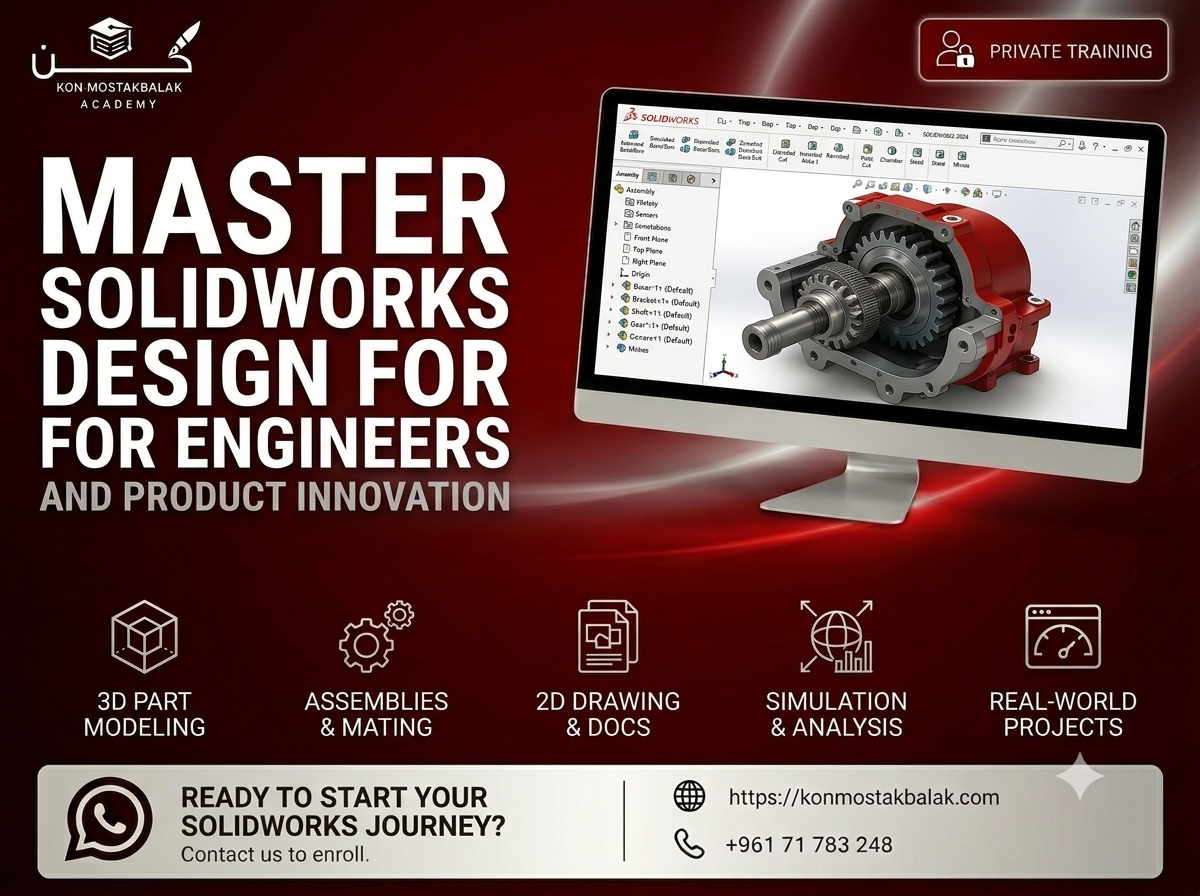
SolidWorks Essentials : From Beginner to Professional
About this course
Learn SolidWorks and Build Real Mechanical Designs
Learn SolidWorks from the ground up and develop the practical skills needed to design, model, and document mechanical components used in real engineering and manufacturing environments.
This course takes you through SolidWorks step by step, starting with basic sketches and gradually moving into 3D part modeling, assemblies, technical drawings, sheet metal, and more advanced modeling techniques.
The training is project-based, so you'll have the opportunity to apply what you learn to realistic engineering projects rather than simply following software demonstrations.
By the end of the course, you'll be able to create complete mechanical parts, build assemblies, produce professional technical drawings, and prepare your designs for manufacturing.
What You Will Learn
Sketching and Parametric Design
- Create accurate 2D sketches
- Use geometric relations and dimensions
- Fully define sketches
- Understand parametric modeling
- Build a strong foundation for 3D modeling
3D Part Modeling
Learn how to create mechanical parts using essential SolidWorks features, including:
- Extrude
- Revolve
- Sweep
- Loft
- Fillets and chamfers
- Holes and patterns
- Reference geometry
- Multi-body parts
Advanced Part Design
- Work with more advanced modeling features
- Create complex mechanical shapes
- Understand design intent
- Build and modify multi-body models
- Improve your modeling workflow
Assembly Design
- Create assemblies from individual components
- Apply mates and relationships
- Check how components interact
- Understand basic assembly motion
- Identify potential design issues
- Build functional mechanical assemblies
Engineering Drawings
Learn how to turn your 3D models into professional technical documentation.
You'll work with:
- Drawing views
- Dimensions
- Section views
- Detail views
- Annotations
- Bill of Materials (BOM)
- Production-ready documentation
Sheet Metal Design
- Create sheet metal components
- Work with bends and folds
- Create flat patterns
- Prepare sheet metal designs for manufacturing
- Understand common sheet metal workflows
Surface Modeling
- Understand the basics of surface modeling
- Create more complex shapes
- Combine solid and surface features
- Work with designs that are difficult to create using standard solid modeling techniques
Manufacturing File Preparation
Learn how to prepare and export your designs for different manufacturing processes.
You'll work with common formats such as:
- DXF
- STEP
- Other standard CAD formats
Course Modules
1. Sketching and Part Modeling Fundamentals
Start with the SolidWorks interface and learn the fundamentals of sketching, dimensions, relations, and basic 3D modeling.
2. Advanced Part Features
Move beyond the basics and learn how to create more detailed and complex mechanical components using advanced modeling features.
3. Assembly Design and Motion
Learn how to bring individual parts together, create functional assemblies, apply mates, and check component movement.
4. Engineering Drawings and Documentation
Create professional technical drawings with dimensions, annotations, views, and BOMs that can be used to communicate designs for manufacturing.
5. Sheet Metal and Surface Modeling
Explore additional SolidWorks tools for designing sheet metal components and creating more complex geometries.
6. Final Project
Put everything you've learned together in a complete engineering project.
You'll work through the design process from the initial concept and modeling stage to assembly, documentation, and final file preparation.
What You Will Gain
- Solid foundation in SolidWorks
- Practical experience with mechanical modeling
- Experience designing parts and assemblies
- Knowledge of engineering drawings and documentation
- Understanding of manufacturing-ready design
- Experience with sheet metal and surface modeling
- Real project experience
- A portfolio-ready engineering project
- Certificate of Completion
Who Is This Course For?
This course is suitable for:
- Mechanical engineering students
- Mechanical engineers who want to improve their CAD skills
- Designers and technicians
- Beginners entering the CAD field
- Students interested in product design
- Professionals working in manufacturing
- Anyone interested in mechanical design and 3D modeling
Why Learn SolidWorks?
SolidWorks is widely used for mechanical design, product development, engineering, and manufacturing.
Learning the software is not only about knowing which tools to click. A good SolidWorks workflow requires an understanding of design intent, modeling techniques, assemblies, technical documentation, and how designs eventually move into manufacturing.
This course focuses on those practical skills so you can go beyond creating simple 3D models and start working on complete engineering designs.
Ready to Start?
If you want to learn SolidWorks through practical projects and develop skills that can be applied to mechanical design and manufacturing, this course will give you a solid starting point.
Contact us via WhatsApp to learn more about the training, ask your questions, and register.
Learn SolidWorks. Build real designs. Develop practical engineering skills.
Meet Your Instructor

Eng. Maurice Dawaliby
Mechanical/Mechatronics Design engineer
Passionate about engineering education, I specialize in Mechanical and Mechatronics Design with expertise in CAD, product development, and manufacturing. My courses combine theory with real-world applications, ensuring students gain practical experience through hands-on projects and industry-focused exercises. I am committed to creating an engaging learning environment where every student develops the technical skills and confidence needed to excel in today's engineering field.
View full profileReady to enroll?
Secure your seat in a couple of taps. Choose how you'd like to pay and we'll guide you through the rest.
- Whish phone
- 71783248
Contact us via WhatsApp to arrange payment.
After paying, please send us the receipt via WhatsApp to confirm your enrollment.
Other courses you might like
Revit MEP : BIM & Building Systems Design
AutoCAD for Electrical Engineering (2D & Professional Drafting)